

Reseñas de Trello y detalles del producto
Como una de las plataformas pioneras de administración de proyectos basadas en la web Kanban, más de 2 millones de equipos ahora usan Trello en todo el mundo desde su lanzamiento en 2011. Trello es mejor conocido por su interfaz visual simple, con tarjetas que se pueden mover a través de diferentes columnas. Cada tarjeta contiene toda la información que los equipos y los asignados necesitan para entregar proyectos y ejecutar tareas de manera eficiente. A lo largo de los años, Trello ha introducido mejoras sólidas en sus sistemas, que incluyen una característica de automatización patentada integrada y sin código llamada Butler. También hay complementos llamados Power-Ups que permiten a los equipos vincular sus herramientas empresariales y de productividad más utilizadas con complementos de Trello.
| Capacidades |
|
|---|---|
| Segmento |
|
| Despliegue | Nube / SaaS / Basado en web, Android móvil, iPad móvil, iPhone móvil |
| Soporte | 24 horas al día, 7 días a la semana (representante en vivo), chat, correo electrónico/servicio de ayuda, preguntas frecuentes/foro, base de conocimientos, soporte telefónico |
| Formación | Documentación |
| Idiomas | Inglés |
Pros y contras de Trello
- Cronogramas y métricas de productividad en un solo lugar
- Prácticas placas basadas en Kanban para facilitar su uso
- Funciones de automatización sin código
- Muchas integraciones con herramientas líderes
- Paquetes de precios convenientes para todas las empresas
- Sin seguimiento de inventario y presupuesto
- Sin funciones de facturación
- No es adecuado para la planificación de tareas más complejas que involucren múltiples segmentos y partes móviles
- Sin función de diagrama de Gantt
- Puede ser demasiado básico para el seguimiento de tareas complejas para equipos empresariales










The simple way that all works. The KanBan cards like the way you can put files in cards and time control.
There's nothing to dislike in Trello. They deliver what you need.
Trello is a tool that helped organize the processes and tasks of my entire team. In it, we could look at all the processes, tasks and projects of all groups across the different boards in general.

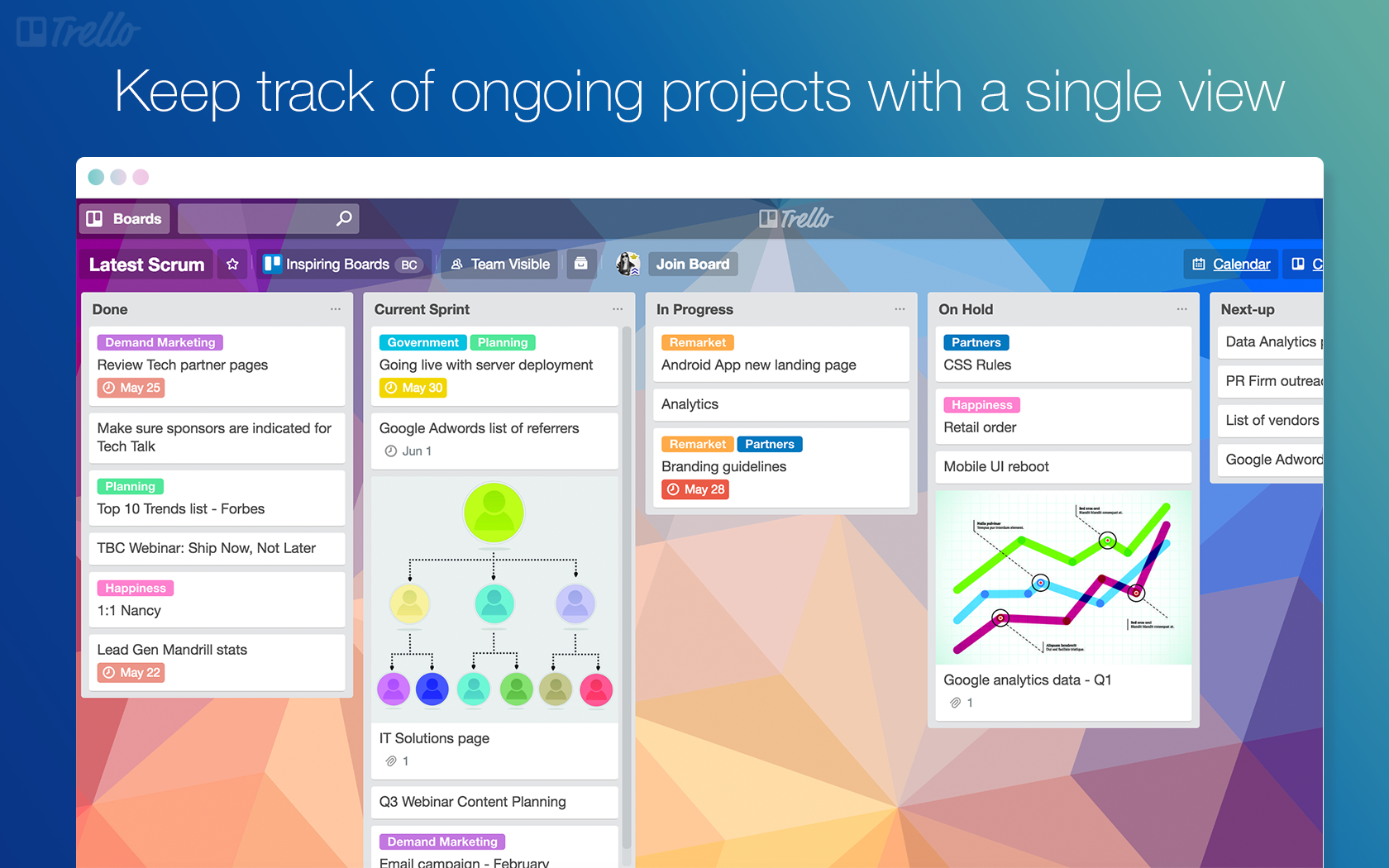
makes my life so easy with features and helps me keep track of my ongoing projects
nothing to say about bad things except the making it clutterfree
helps me to manage my time and projects

What I like best about this Trello is its simplicity and effectiveness in organizing tasks. And the most helpful aspect it has user-friendly interface, and the upsides include streamlined task management and easy collaboration.
Maybe I find Trello a bit too basic, but everything so far is quite good and like the interface.
Trello keeps things organized and it helps me stay on top of tasks, making teamwork easy. For business, something like a lifesaver for managing projects smoothly and keeping everyone in sync.

I have team members who love the visual aspect of Trello to guide and monitor projects. So easy to set up and start off in. The customer support you receive is excellent.
It's list view is cumbersome and I miss having AI integrated.
Tracking the steps on projects and being able to assign to staff members.
Easy to use, great for cooperations with agency etc.
sometime confusing bc of to many columns
Everyone knows which taks are on ist todo
Trello is one of the first Project Management Softwares that I had the chance to use. I easily setup my account with my Google Profile, andstarted using the program. I was able to personalize the views, and with some easy training, I became an expert on the program. Once you see the Board, the Lists and the Cards as layers, you can utilize all the functionality within those layers. I know that if you are able to use a Drive and a Task Software, that you will be able to use Trello for your project management. It's easy to share files and information with people, and it has tons of integrations that take Trello functionality to a new level. I recommend this to any Realtors, Mortgage Agents and other Commission Based Sales Professionals. After a few weeks of using the program, I began to use the program on a daily basis because of its functionality.
Because Trello is a computer program, there is a learning curve for new users. If you are not familiar with other online programs, than maybe you will have difficulty seeing the layers of the boards, the cards and the lists.
It helps me organize my tasks, prioritise the tasks that I have organized, and help me feel accomplished when I complete the tasks.
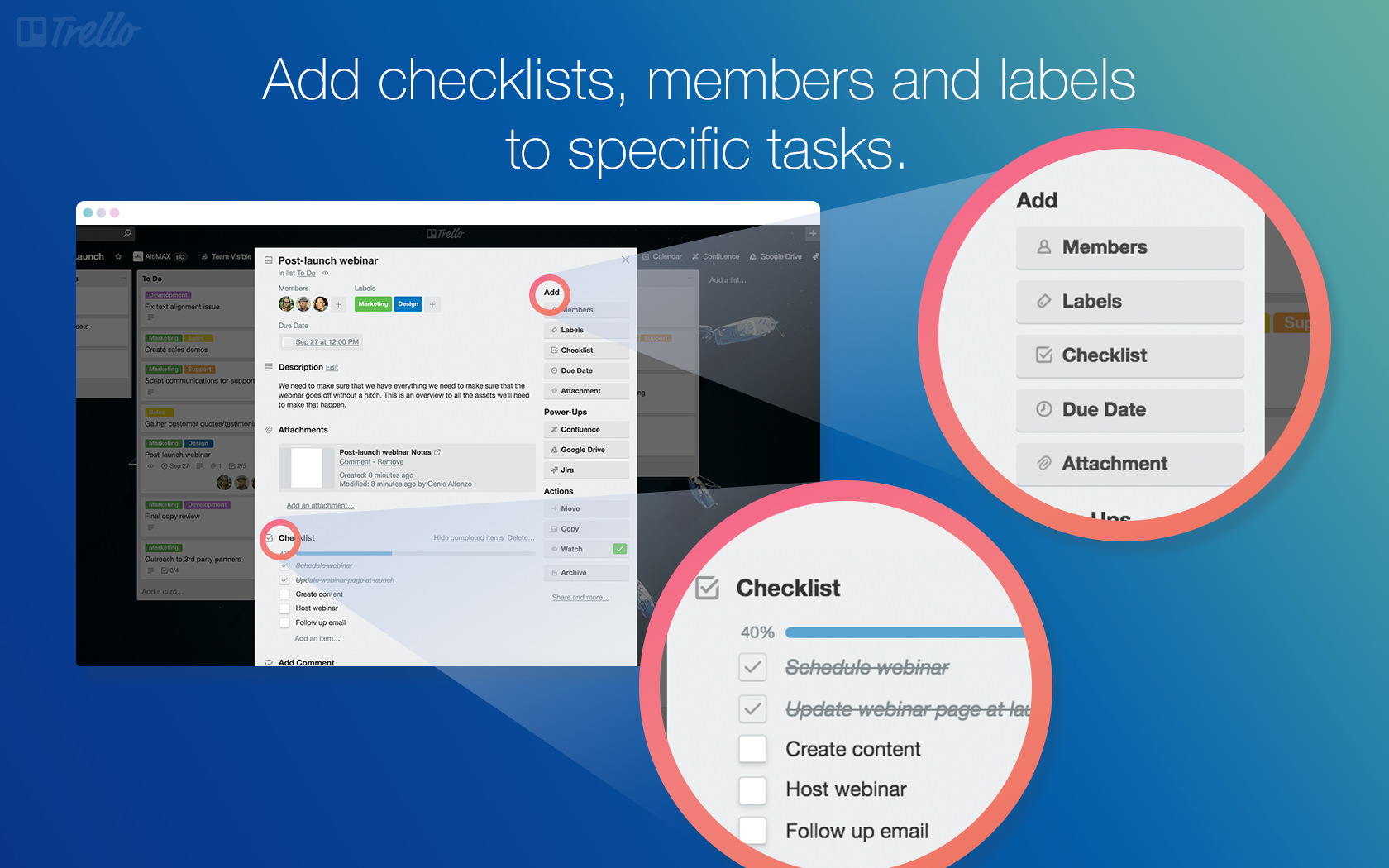
The user experience, the check list option and date, the activity comment section where you can add a weblink and rename it.
I dont really have anything to dislike about trello
Trello helps me to monitor the task assigned to my staff members and gives room for collaboration between teams.
Trello's user-friendly design makes it easy for both individuals and teams to adapt quickly. The drag-and-drop functionality and visual boards streamline task management.
Trello's basic functionality does not include native support for task dependencies. Users looking for intricate project management with strong task interdependencies might find this lacking in the core features.
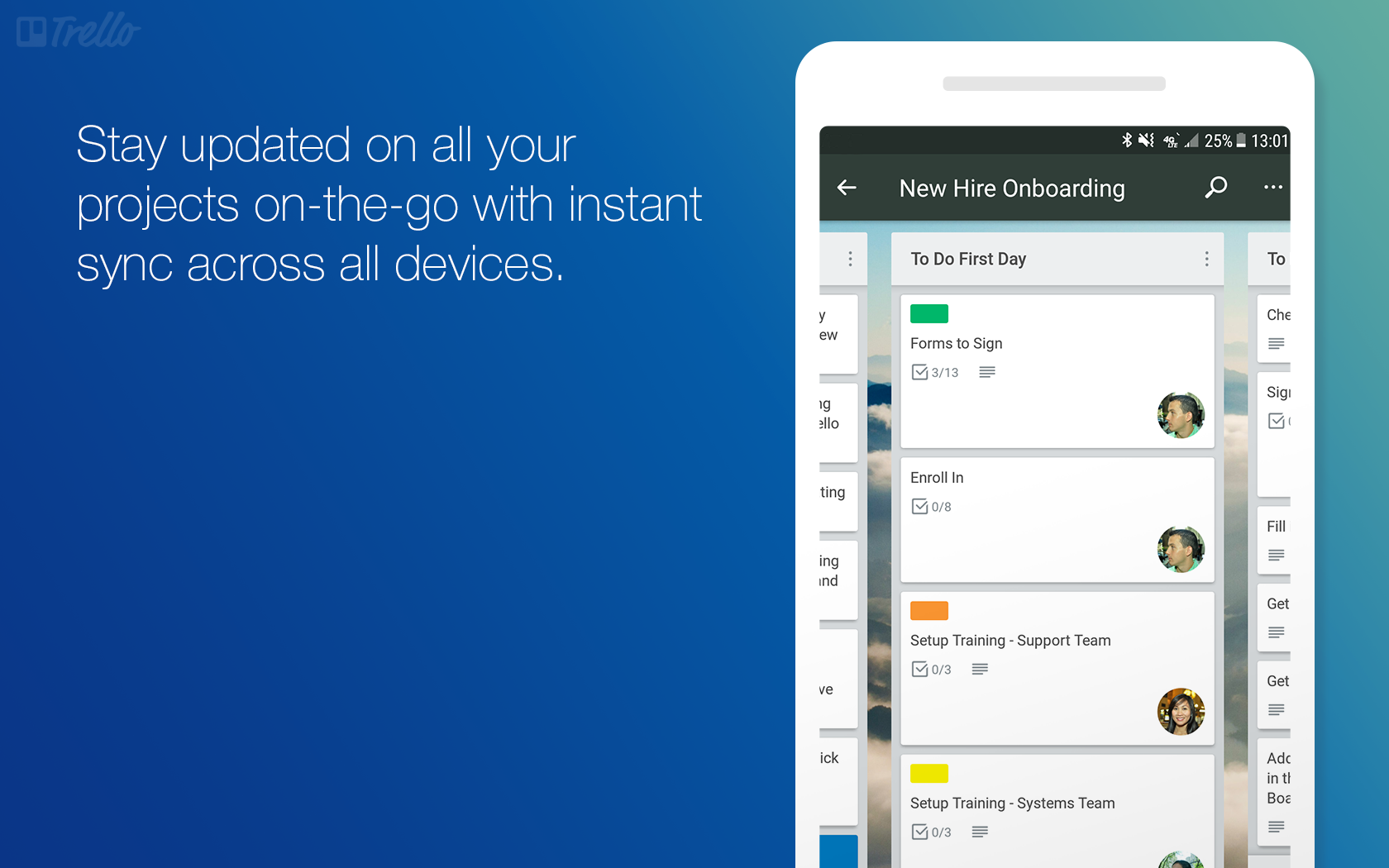
Trello efficiently organizes tasks with visual boards. Real-time collaboration and customization options streamline communication and adaptability. Mobile accessibility ensures productivity on the go
What I like and most helpful about Trello is that I can organized my project in as simple as I can. Even though I'm using a free version but it seems it satisfy to my needs especially when I need to do something organized and collaborate with different people. It's features of the user interface seems beautiful and I couldn't imagine that it's free tool. By using Trello, it helps me more productive and organized and detail-oriented.
What I found least helpful about Trello is that the limited features only since I'm only using free version.
Trello helped me in a way through organizing my tasks. It can also easy for me to present the project in a concise manner, it's interface is a great color and it categorize in as simply as easy to navigate.

I can organize post ideas by pillars, weeks, or any method my client prefers. It's easy to collaborate and share a workspace for multiple users.
The only downside is that I can't link it to social media sites to post directly from the app.
Trello solves having to email back and forth about social media content ideas. This save me and my client a lot of time!
Calender, to-do's , table of work everything in one place. Boards can be created for every project and shared across teams and selected team members.
Premium membership is a bit pricy but given the features wont complain.
We have our kanban boards too presented on trello. So right from a junior employee to ceo knows about the progress of our projects frok one particular place.

No learning required even by new users. It's a no bs tool which works amazing on computers as a web app and also on phone
Not to dislike, but I know trello has limitations when it comes to using it for complex project management, let's say when I require it for dependent tasks mapping or GANTT etc.
A simple place to keep my upcoming and ongoing tasks organized.

When it comes to finding, there are many filters using categories and categories that can be used to support in speeding your discovery on your dashboard. Trello offers high flexibility when it comes to customizing the display to suit the needs of the group. A variety of shades, shapes, icons, labels and organization methods are available. Trello makes it very easy to keep track of the activity everyone is doing, has done, and has yet to do. The totality for everyone is clearly displayed in one area. The first use of Trello was free, its user interface was very clear and new members were easily added, everything it does is as advertised. Creating and assigning categories to different individuals is simple and obvious. The customization abilities make it possible for you to conceive your game plan the way you would want it for your own.
If you wish to carry out documents precisely on your desk for different duties, Trello won't be the best choice for you, on the grounds that you'll be constrained to more concise descriptions. Trello doesn't have native support for calendars, but other apps do. It's not that tree-like work tables have negative features, however, Trello is limited to them, unlike others that offer different approaches that are possible to use.
We use Trello to plan and track quarterly group goals and projects. We use it in order to separate goals by groups and then by personal issues. It makes it easier to organize and visualize things and also to track them. It is not used throughout the institution, but only in departments, where it is more optimal. Trello is very beneficial for groups that have collective work and do not worry about integration with the calendar. If Kanban boards work for you, use Trello. If more than that is needed, or you want a combination with the calendar, it may be more beneficial to find other ways. If you prefer simple, short job and project narratives, Trello is for you. If a lengthy and particular narrative is necessary, you need to place it elsewhere.
I like how easy it is to use and how the boards look like. Also super easy to set up.
I love using trello and don't have anything that. I dislike
It provides my team with seamless handover abilities for changing shifts.

I absolutely love trello, it is so easy to use and implement in your day to day operations. I personally use it to manage clients, vision board and content. I really can't imagine my life without it.
To be honest there are no real downsides of trello. The UI is great and it has exactly what I need. It isn't complicated like clickup and I recommend it.
It is allowing me to have a clear view on what I need to do. It helps me with projects that I am currently working on which is a big plus side.